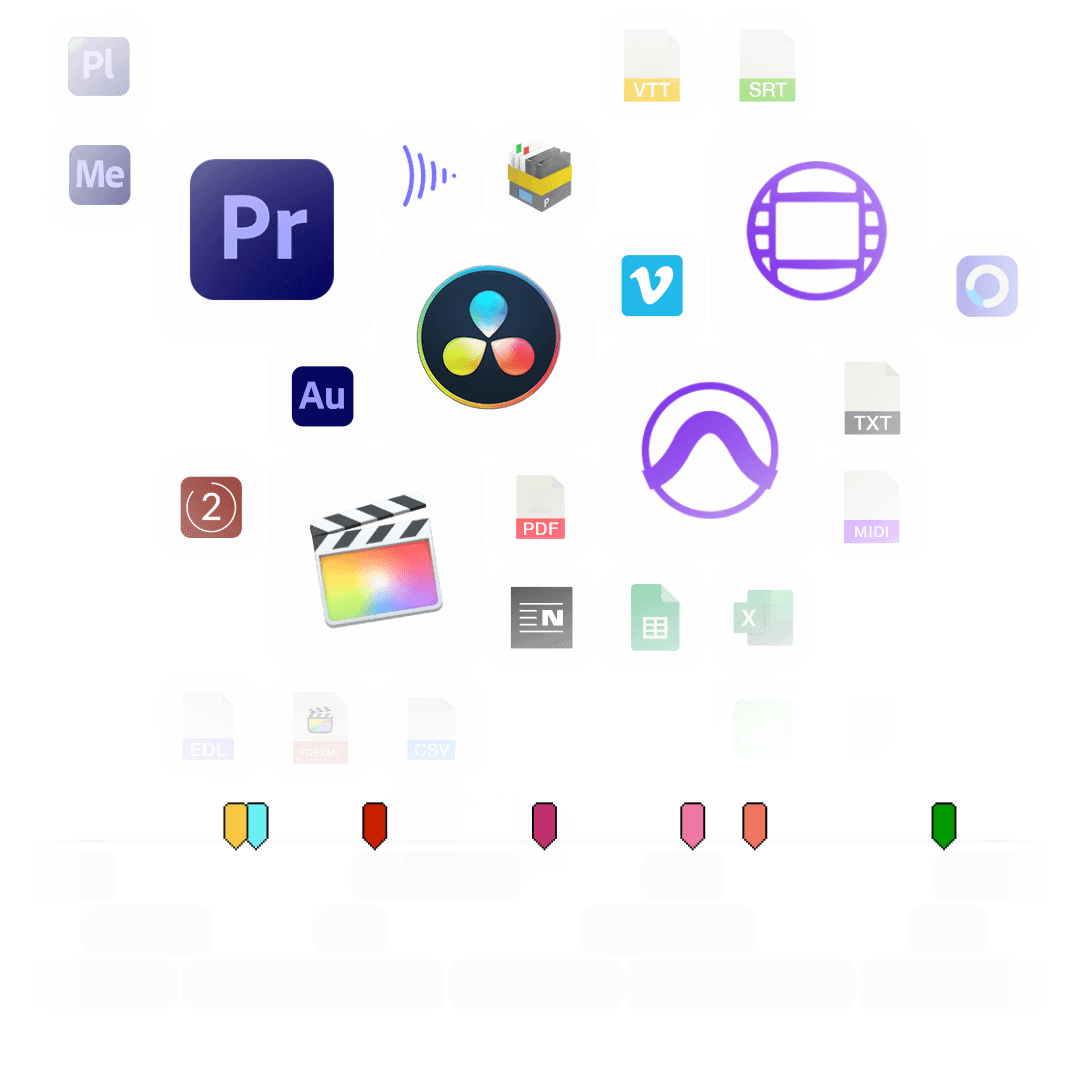
EditingTools.io is a collection of apps, plugins, converters, and tools built by post-production professionals for various purposes. Optimized for workflows with Adobe Premiere Pro, Avid Media Composer, DaVinci Resolve and Apple Final Cut Pro.

From Hollywood blockbusters to independent documentaries, TV series to commercials, short films to social media content, our tools and solutions are the trusted choice of over 200,000 registered users and countless anonymous users worldwide. Our technology is used in more than 10,000 productions each year, supporting thousands of post-production facilities in more than 200 countries.
As one of the largest niche platforms offering both free and premium post-production workflow tools, EditingTools.io caters to a wide range of film production needs, enabling countless use cases.
« EditingTools.io have helped us to bring advanced workflows in high-end cinema without the need to create custom scripts to often do relatively easy tasks. This has significantly increased the efficiency of our operators. »
« I started using EditingTools.io on my first film and have used it on every project since then! EditingTools.io has repeatedly saved me countless hours and made the impossible possible in my daily editing workflow. »
« EditingTools.io has a diverse toolbox of incredibly useful tools, that can make light work of everyday hurdles in post-production. We've been particularly impressed with their tools for handling subtitles, cue sheets and other metadata. »
tools
projects
users
Start with a free account and join over 200,000 professionals.
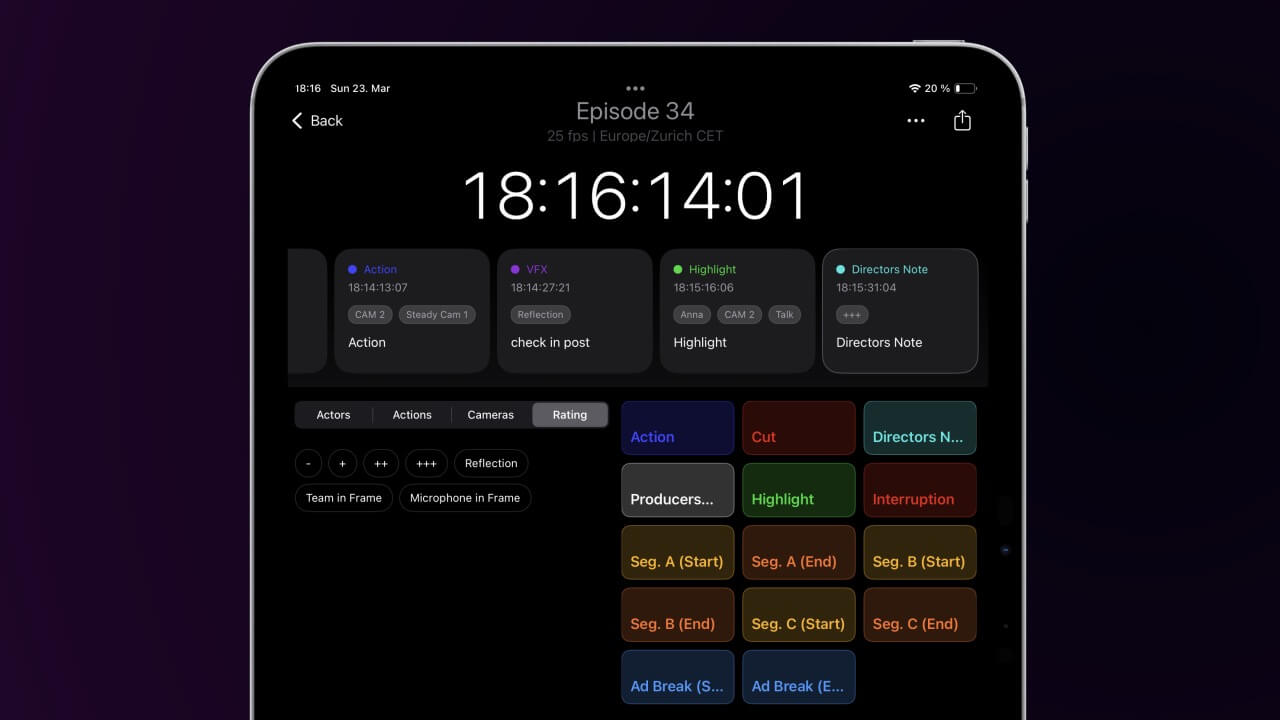
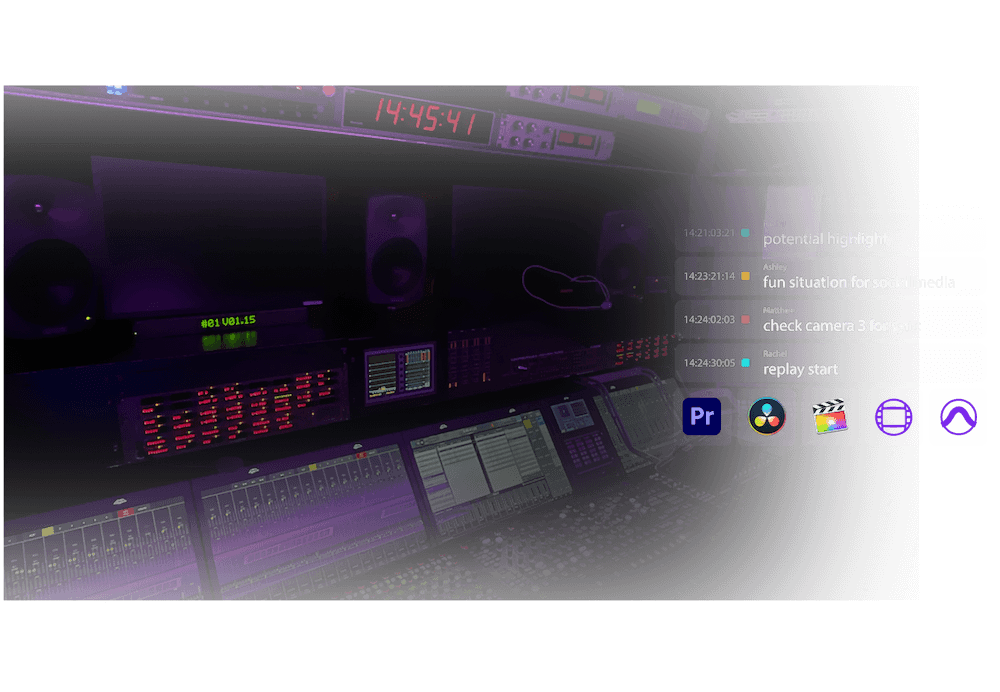
Creating notes and markers for the editing process is an important task in every big production. We offer different solutions for different use cases to log video files or live events, shows, streams and anything that requires timecode-related notes.
Take logging to the next level with our app for macOS, iPad, and iPhone. It is widely used in reality TV and studio productions worldwide.
Comment and collaborate in real time using any web browser.
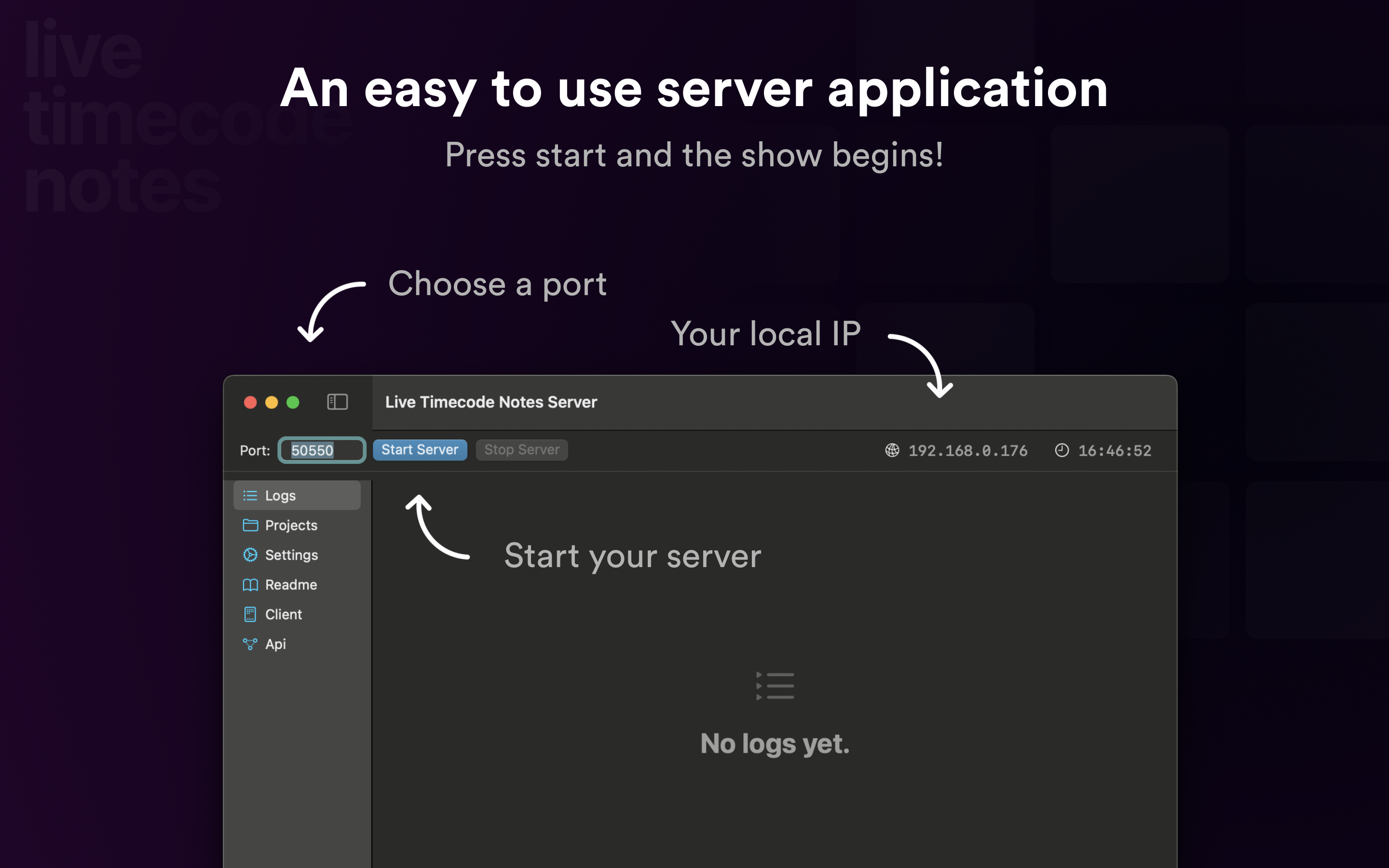
Go off-grid and bring Live Timecode Note Team-Sessions into an off-grid operation by hosting your own server solution.
Create notes and markers on local video files and export them as markers to any film editing software. Designed for faster logging, it has shortcuts for all functions.
Log notes to an individual timecode set by you - perfect for review sessions.
Streamline your workflows with our robust plugins for Premiere Pro, designed to assist studios worldwide in managing streaming and television shows more efficiently.
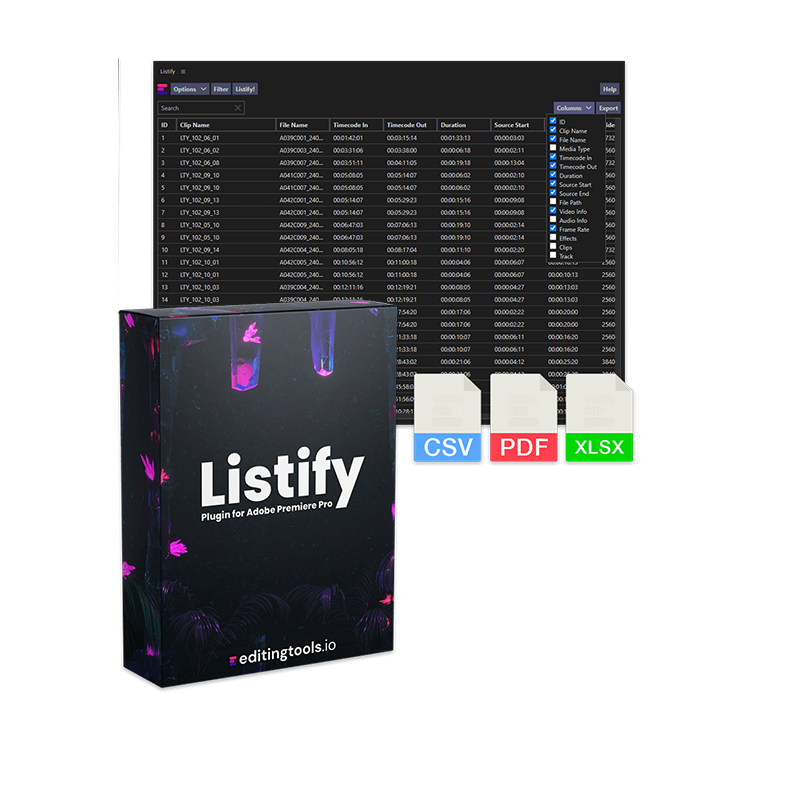
Create spreadsheets with thumbnails right out of a sequence.
Rename and organize clip naming in Premiere Pro.
Quickly jump around in your feature film sequence without markers.
Mark every instance of a keyword across your entire timeline in seconds.
Import more metadata from ALE files into Premiere Pro.

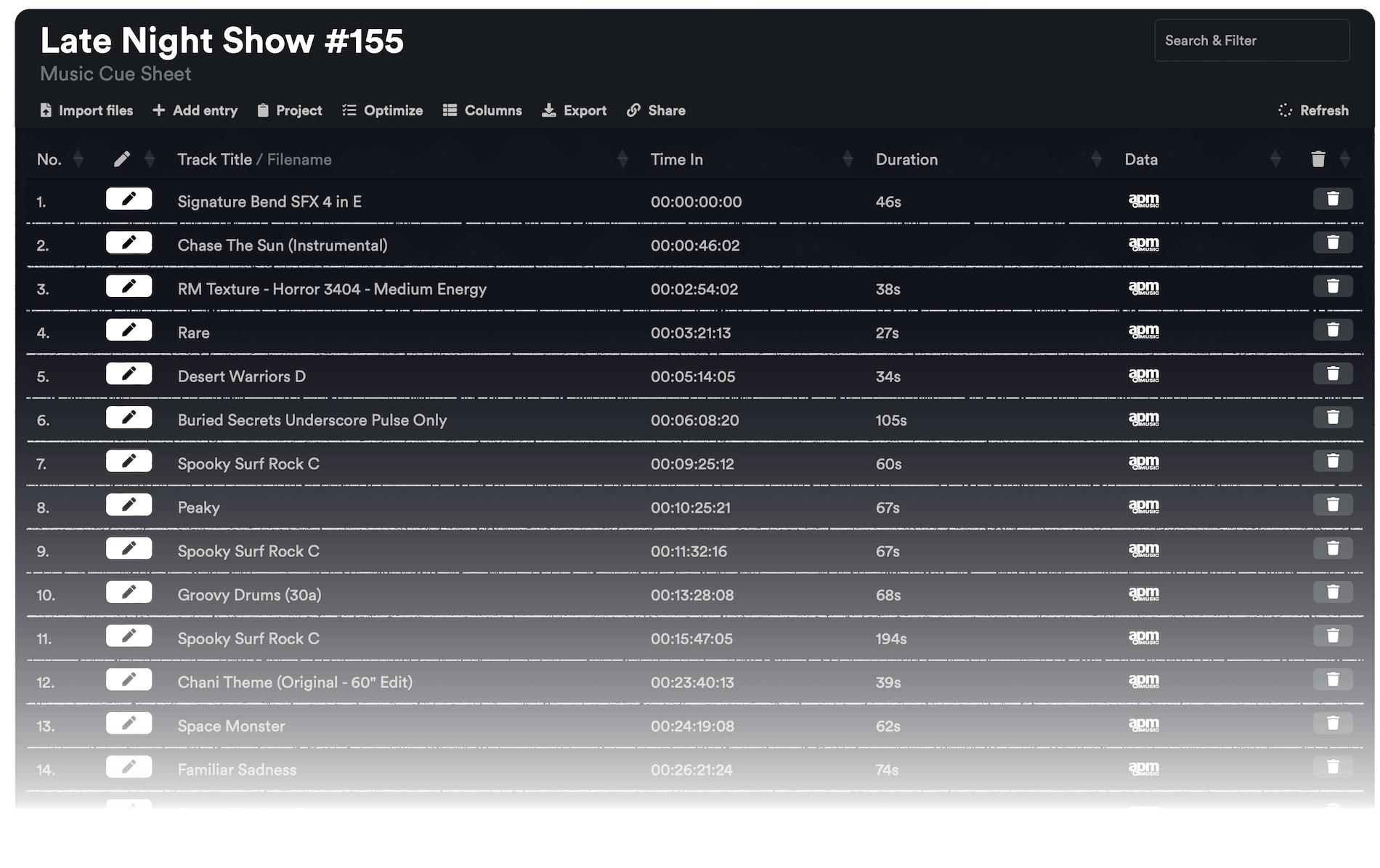
Upload music cue sheets directly from Premiere Pro.

Browse our complete collection of plugins for Premiere Pro.

Professional music cue sheets for film, TV, and media productions.

Cue sheets play an important role in the licensing of music within a project. Together with our production music partners, we offer a powerful tool to create cue sheets directly from an edit sequence, provide metadata for over 10 million tracks, and export complex Excel spreadsheets or documents in seconds. Our Cue Sheet Manager offers a wide range of custom export presets, including CISAC and APRA standards.
Professional tools for audio workflows like cleaning, normalizing, separating audio stems and converting markers and notes.
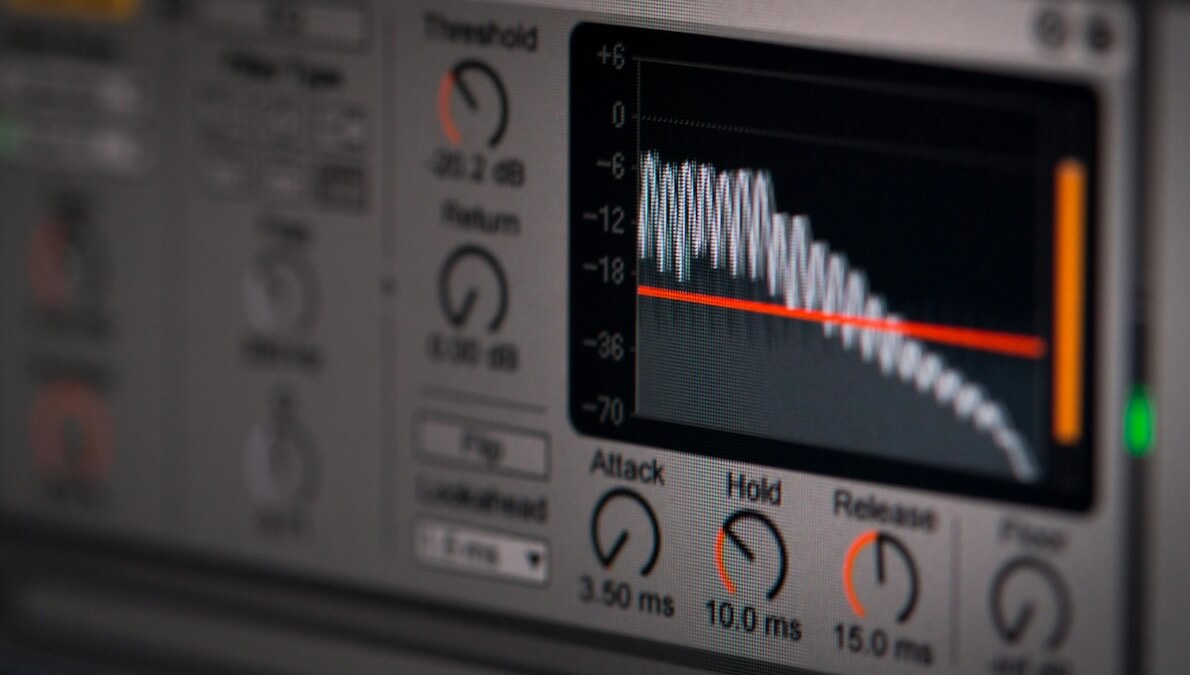
Recording on a noisy street, in a crowd, or in a windy forest can create a lot of distracting background noise if the situation or microphones are not the best. We offer an online tool to remove distracting background noise from voice recordings.
You can check a mix in your browser with our Loudness Analyzer. It can not only create a loudness report of your audio mix, but also normalize a track to different standards for R128 or web mixes and output a new normalized audio file.
For music, we offer a tool to split a file into audio stems for instrumental or individual instruments such as piano, guitar, drums, strings, and more. Giving you more creative control over a mixed audio track.
Convert markers and timecode-related notes into ProTools PTX format from any editing applications while maintaining all text, timecode and color information.
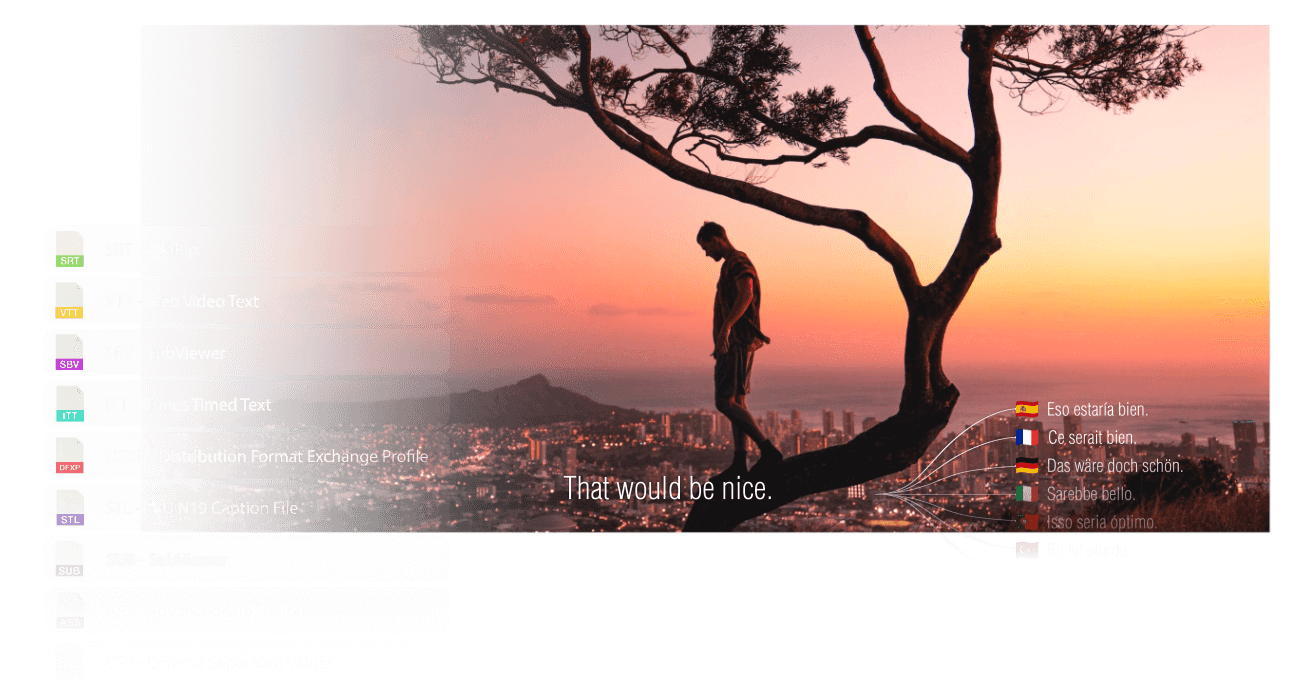
Subtitles are not only important in international productions, but sometimes already in the editing process of a film project. We offer a powerful tool, developed in collaboration with industry professionals, to verify, modify and convert subtitles for every conceivable use case. For multi-language productions, we offer a subtitle translation tool with one of the best algorithms available.
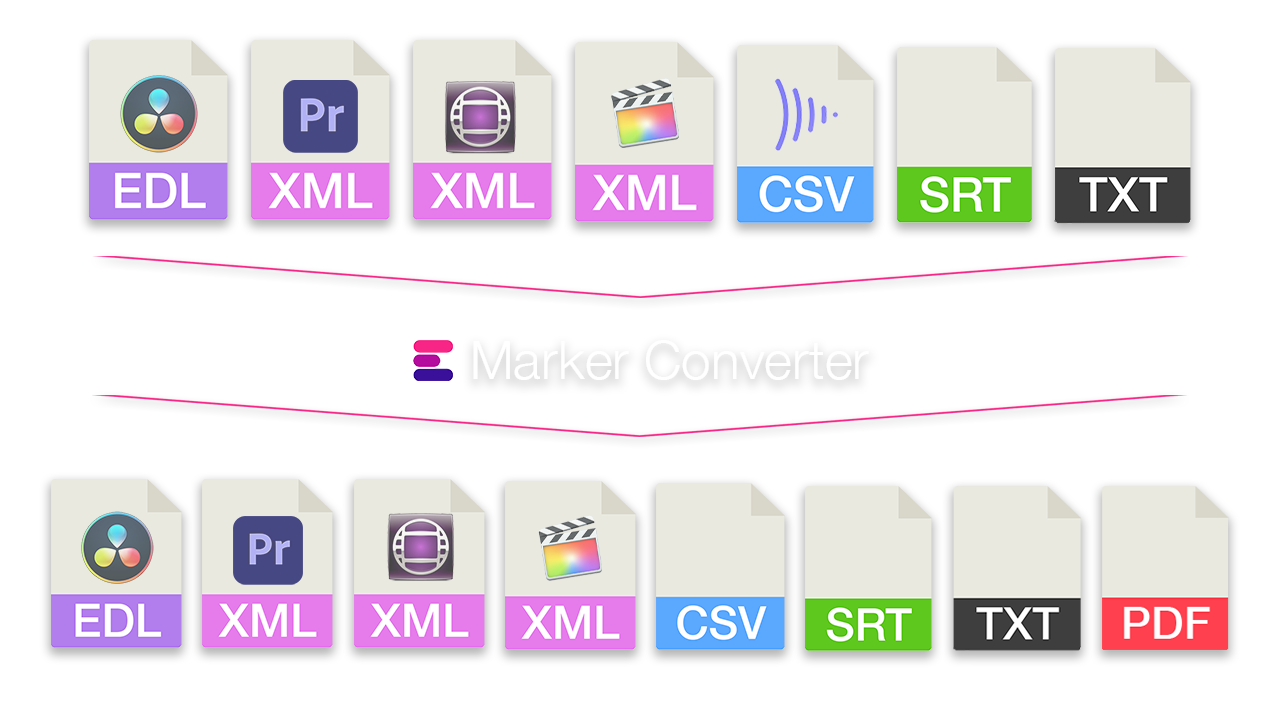
Transferring comments on a video from one software to another should be a simple thing. With our Marker Converter it is easy to transfer these from any reviewing platform to any editing software. The Marker Converter is a powerful tool for exchanging comments, notes and markers between over 50 different formats and platforms.
The .OTRN format was created to provide a universal way of exchanging timecode-related notes and markers for media files across different softwares. It is particularly useful for film and audio editing, visual effects, and other post-production workflows.
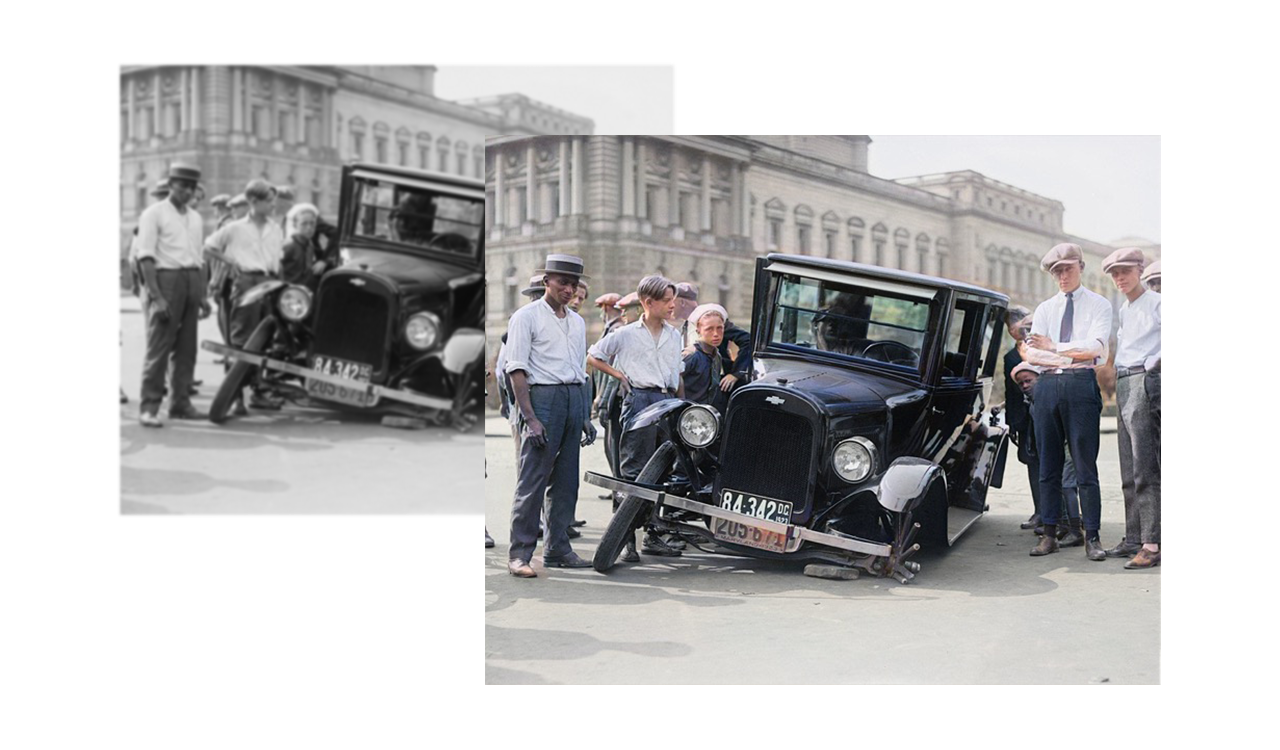
We offer high-end GPU servers to colorize videos or photos from black and white to color. Reimagine the past and bring your ancestors and historic videos and photos back to life. The algorithms have been trained on millions of real photos to understand the world of color.
Convert a sequence file from any NLE easily into professional spreadsheets.
Professional native applications designed for macOS and optimized for offline use.
Manage hard drives and discs in an offline database.
Preview and apply LUT files without editing software.
Clean Final Cut Pro libraries and free up space on your hard drive.
Professional logging app for macOS.
Convert ALE files into spreadsheets and more.
Browse our complete collection of free and paid macOS apps.
Our tools are primarily used by post-production companies and freelancers producing content for national an international audiences.
EditingTools.io is not an AI wrapper. We use logical processing - no Large Language Models (LLMs) are used to process your production data.
Every operation produces consistent, predictable results. No randomness, no hallucinations.
Trusted by high-end film and TV productions where accuracy is non-negotiable.
No LLM training, no data mining. Your projects are not shared with with third-party services.
Las Herramientas y Sesiones en EditingTools.io siempre utilizan encriptación SSL / HTTPS.
Cifra los archivos utilizando el método de cifrado de clave AES-256 bits.
La autenticación de dos factores mediante aplicaciones está disponible para las cuentas de usuario.