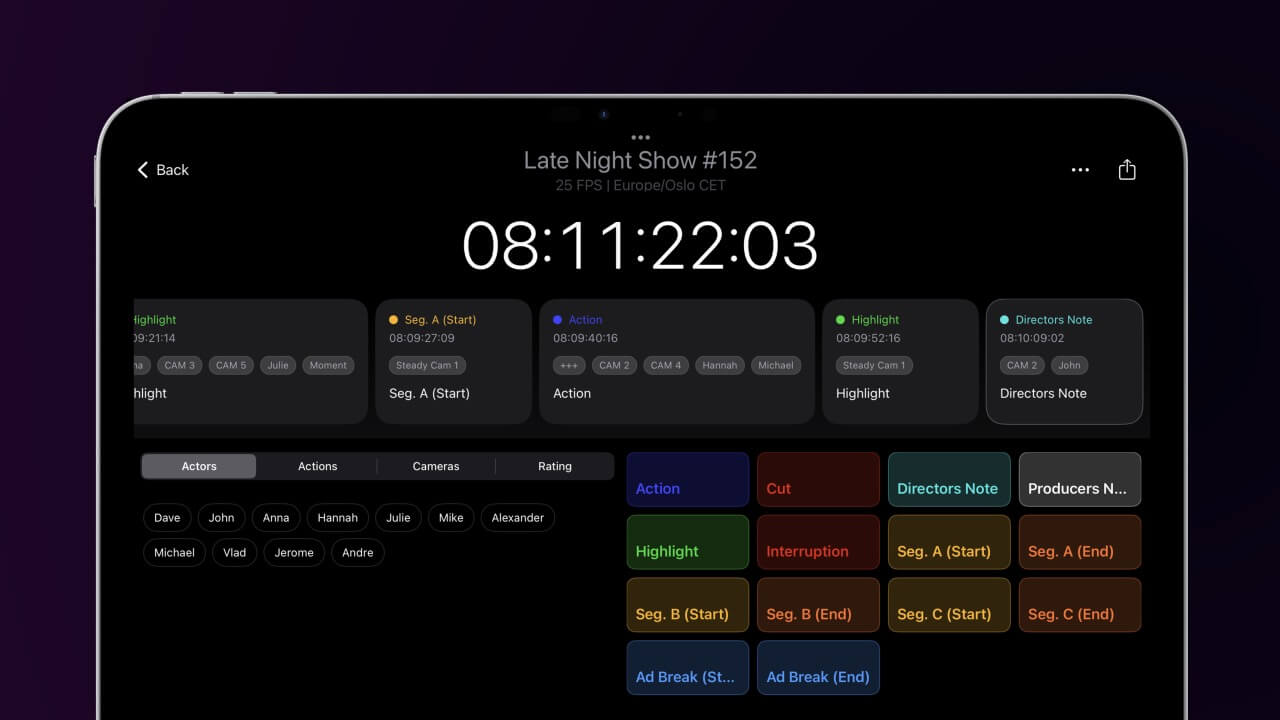
This application acts as the Server for the 'Live Timecode Notes Enterprise' client and brings professional note-taking into local networks and off-grid operations. It is designed to turn any Mac into a mobile server for hosting Live Timecode Notes events, ensuring maximum data confidentiality and reliability for production and post-production teams.
Requires macOS 11.5 or later (MacBook, iMac, Mac mini, Mac Studio)
Developed to meet the workflow demands of high-stakes environments like Live Music Shows, Game Shows, and Documentaries. By hosting locally, you eliminate latency and dependency on external internet connections.
Keep your production metadata within your own walls. The server ensures your creative notes stay private, meeting the strict security requirements of major production houses.
Please note: This server does not support the subscription-based version of Live Notes. It is built specifically to pair with Live Timecode Notes Enterprise. All features are unlocked immediately upon purchase—no in-app purchases, no hidden fees.
Get the Enterprise Client here →
Download the Server on the Mac App Store.
We offer three types of licenses. The single-user license is ideal for freelancers who want to use the software on one or two computers. This license is tied to a single account. For companies, we offer a team license, which is bound to the company. The number of licenses can be chosen upon purchase, with a minimum of three licenses. We also offer an enterprise option. Please contact our sales team for more information. All licenses are perpetual.
Nota: Actualmente, el plugin sólo está disponible en inglés.
You will be redirected to the secure "Paddle" checkout. Paddle.com is the Merchant of Record.
Carga inversa: If you are buying for a company and have a VAT ID, you may be able to use the reverse charge procedure in some countries. On the checkout page, click "Add VAT ID" on the left after selecting your country and postcode.
Si tienes alguna pregunta o solicitud de funciones, ponte en contacto con nuestro equipo de asistencia. Estaremos encantados de ayudarte.
Tras la descarga, descomprime el archivo zip e inicia el archivo .pkg. A continuación, sigue el asistente de instalación.
Sí, si hay actualizaciones disponibles, puedes descargarlas gratuitamente.
No, esta aplicación funciona offline y no comparte ninguno de los datos de tu proyecto online.
Esta aplicación sólo es compatible con macOS.
Puedes simplemente borrar el archivo .app de tu ordenador.
Si necesitas una función para la aplicación, una nueva opción o una versión personalizada, envíanos un mensaje. Ofrecemos soluciones personalizadas para tu negocio.